English
 Chinese
 Pусский
 Français
 Español
 Deutsch
 Português
 한국인
한국인 عربي
عربي Prev:
null

Aug 24,2026
Pageview: 4
When power returns after an outage or voltage fluctuation, a tripped voltage protector may not automatically restore electricity to your equipment. In most cases, you can reset the device manually by pressing the reset button or, for auto-recovery models, simply waiting for the designated delay period. However, if the protector continues to trip immediately after reset, this indicates a persistent electrical fault that requires investigation before further attempts. This guide walks you through the complete reset procedure, explains the difference between manual and auto-reset models, and helps you determine when professional assistance is needed.
A voltage protector—also known as an overvoltage/undervoltage protector or voltage monitoring relay—is designed to disconnect the load when voltage falls outside a safe operating range. When power is restored after an outage, the grid often experiences transient voltage spikes or sags that can last from milliseconds to several seconds. These fluctuations trigger the protector to trip, safeguarding connected equipment from potential damage.
Common scenarios that cause tripping upon power recovery include:
Grid restoration surges: When utility power returns, voltage may momentarily exceed normal levels before stabilizing.
Generator startup transients: Backup generators can produce unstable voltage during the first few seconds of operation.
Phase imbalance: In three-phase systems, one phase may recover faster than others, creating an imbalance that triggers protection.
Neutral loss events: A lost neutral can cause voltage to swing wildly between phases, immediately tripping the protector.
Understanding why your protector tripped is the first step toward proper reset and prevention of repeated events.
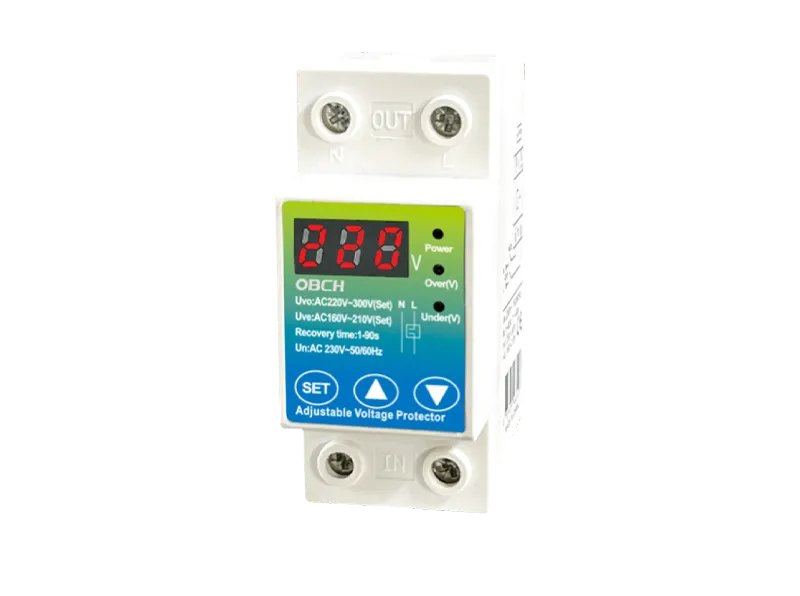
Follow these steps to safely reset a tripped voltage protector after power has been restored and stabilized.
Before attempting any reset, confirm that the incoming voltage has returned to a normal and stable level. Use a multimeter to measure voltage at the input terminals of the protector. For single-phase systems, normal voltage typically ranges between 220V–240V (or 110V–120V depending on your region). For three-phase systems, measure phase-to-phase and phase-to-neutral voltages to ensure they are within acceptable limits.
Do not attempt to reset the protector if voltage is still fluctuating or outside the normal range—doing so may damage both the protector and connected equipment.
Voltage protectors generally fall into two categories regarding reset behavior:
| Reset Type | How It Works | Typical Applications |
|---|---|---|
| Auto-Reset | Automatically reconnects power after voltage returns to normal and a preset delay (usually 5–60 seconds) elapses | Residential installations, general-purpose protection |
| Manual Reset | Requires physical button press or switch operation to restore power after tripping | Industrial equipment, critical loads where automatic restart could be hazardous |
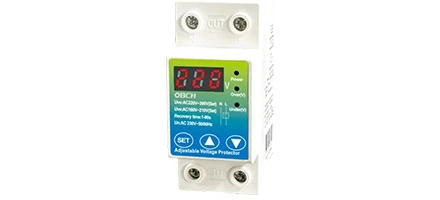
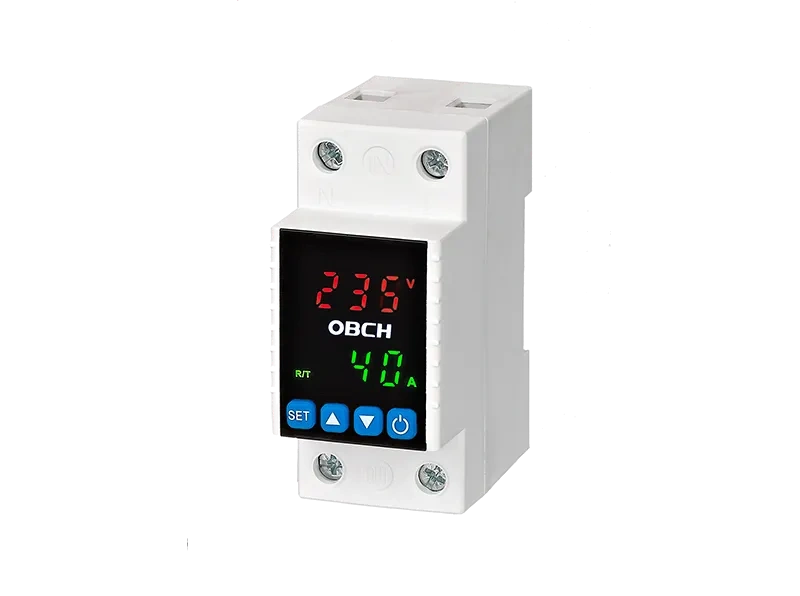
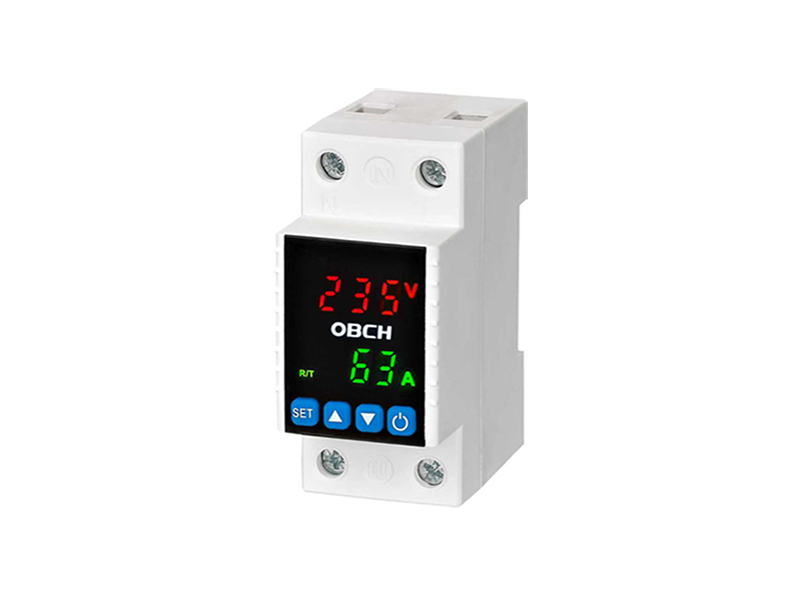
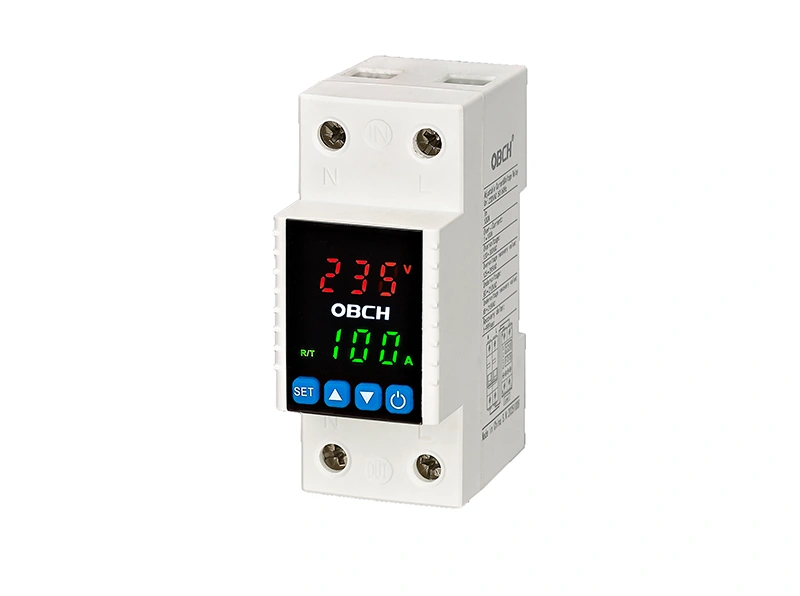
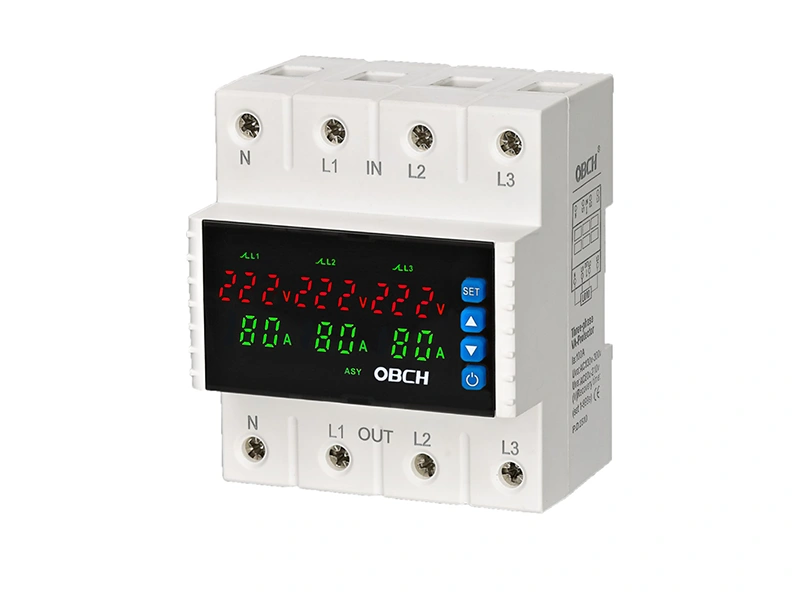
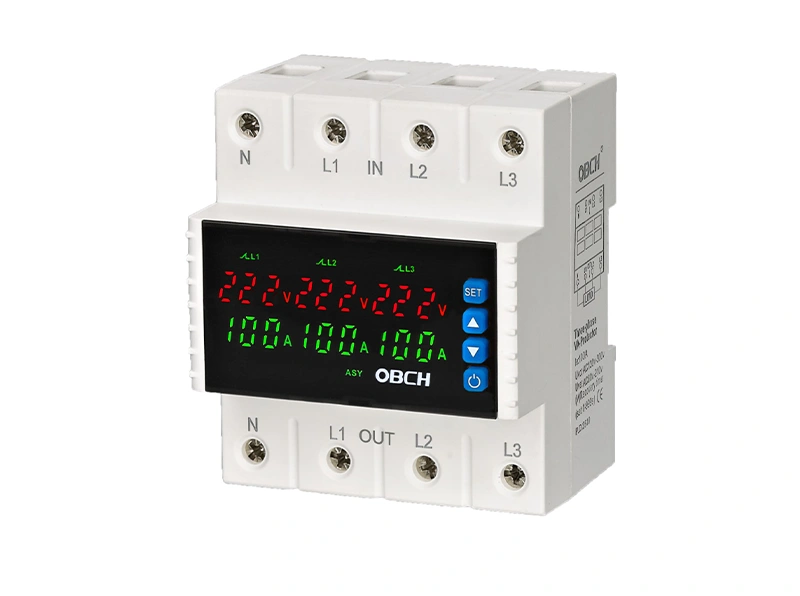
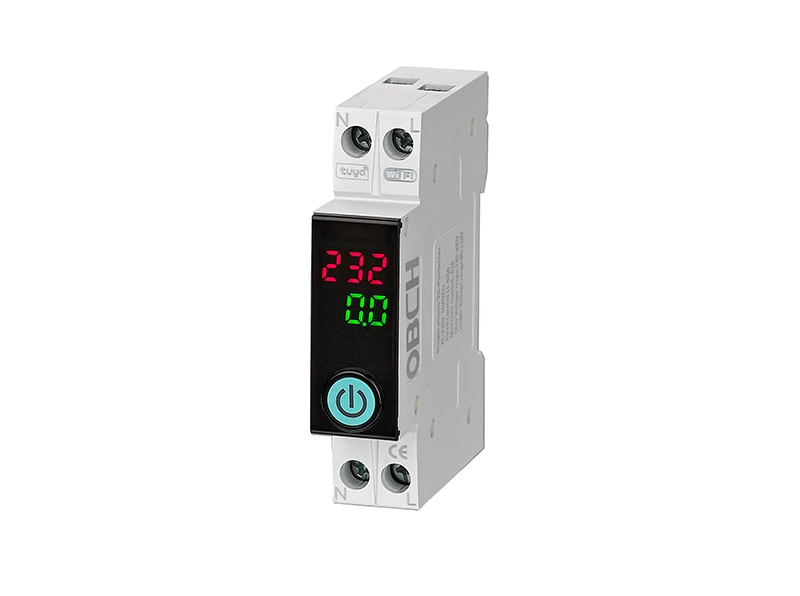
Check your device specification or look for markings on the unit. OBCH adjustable voltage protectors, for example, are available with configurable reset modes depending on the model and application requirements.
For manual reset models:
Locate the reset button or switch on the device—typically labeled “RESET,” “R,” or indicated by a circular button on the front panel.
Press and hold the reset button for 1–2 seconds until you hear a click or see the display indicator change from “TRIP” or “FAULT” to normal operating status.
If the protector has a rotary switch, turn it to the “ON” or “RESET” position.
Observe the digital display (if equipped) to confirm voltage readings are within the normal range and the output relay has engaged.
For auto-reset models:
No manual action is required—the device will automatically restore power after voltage stability is confirmed and the built-in delay timer elapses.
Wait for the specified delay period (typically 5–60 seconds). Some models allow adjustment of this delay via configuration settings.
Check the display or indicator light to confirm the device has re-engaged.
After reset, verify that connected equipment powers on and operates normally. Listen for unusual sounds from motors or compressors, and check for error codes on equipment displays. If equipment exhibits abnormal behavior, power it down immediately and investigate further.
For facility maintenance records, note the date, time, and circumstances of the trip event. This documentation helps identify patterns—such as recurring trips during specific weather conditions or times of day—that may indicate underlying power quality issues requiring attention from your utility provider or an electrical engineer.
If your voltage protector trips again immediately after reset—or refuses to reset at all—this is a warning sign that should not be ignored. Possible causes include:
| Symptom | Likely Cause | Recommended Action |
|---|---|---|
| Trips instantly upon reset | Persistent overvoltage or undervoltage | Measure incoming voltage; contact utility if abnormal |
| Reset button feels stuck or unresponsive | Internal mechanical failure | Replace the protector |
| Trips only when load is connected | Overcurrent condition or short circuit | Check connected equipment for faults |
| Display shows error code | Specific fault condition detected | Consult the device manual for code interpretation |
| Repeated tripping at same time daily | Scheduled load causing voltage drop | Review load scheduling; consider upgrading service |
If you have verified that incoming voltage is normal and the protector continues to trip, do not force it to stay on. This indicates a genuine electrical fault that requires professional diagnosis. Bypassing or overriding the protection could result in equipment damage, fire, or electrical shock.
The choice between manual and auto-reset depends on your specific application:
Auto-reset is convenient for residential and general commercial applications where automatic restoration minimizes downtime. However, auto-reset carries the risk of automatically re-energizing equipment that may have been damaged during the fault event, potentially causing secondary failures.
Manual reset requires human intervention, which adds a layer of safety—operators can inspect equipment before re-energizing. This is particularly important for industrial applications with large motors, compressors, or sensitive machinery where unexpected restart could be hazardous.
Many OBCH voltage protectors offer adjustable trip thresholds and configurable reset modes, allowing you to tailor the device to your specific safety and operational requirements. When selecting a protector, consider whether automatic or manual reset best aligns with your equipment and safety protocols.
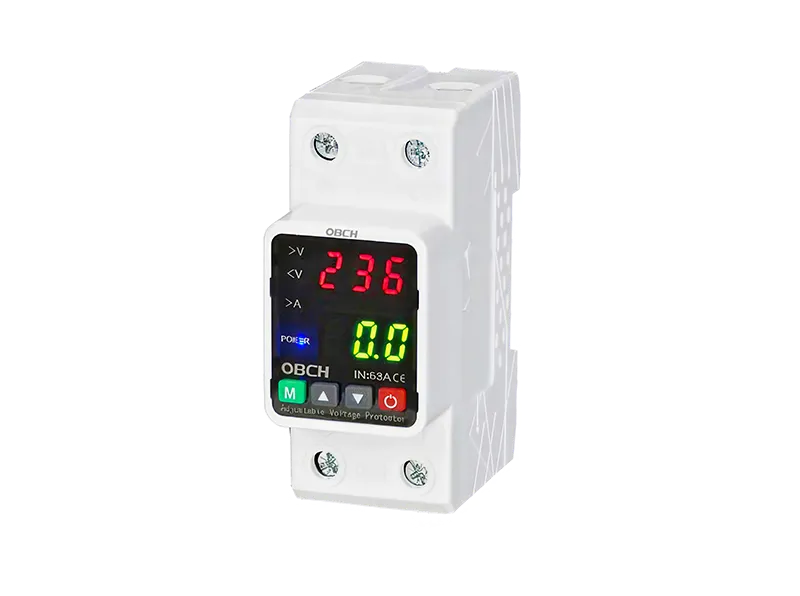
While occasional trips are unavoidable during major grid events, frequent tripping indicates an underlying issue that should be addressed:
Install surge protection: Additional surge protective devices (SPDs) can help absorb transient voltage spikes before they reach your voltage protector.
Review trip threshold settings: If your protector has adjustable overvoltage and undervoltage thresholds, ensure they are set appropriately for your equipment's tolerance and the typical voltage variation in your area.
Check neutral connections: Loose or corroded neutral connections are a common cause of voltage imbalance and tripping. Have a qualified electrician inspect your distribution panel.
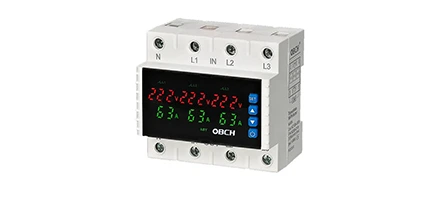
Consider phase monitoring: For three-phase systems, phase loss and phase imbalance protection can prevent trips caused by utility-side issues.
Upgrade service capacity: If tripping occurs when high-power equipment starts, your electrical service may be undersized for the connected load.
While resetting a tripped voltage protector is typically a straightforward procedure, certain situations warrant professional assistance:
The protector trips repeatedly despite normal voltage readings
You observe burning smells, discoloration, or physical damage on the protector
The device is installed in a three-phase industrial panel and you are not familiar with three-phase electrical systems
Reset attempts result in sparking or unusual sounds from the panel
You are unsure about the correct reset procedure for your specific model
Qualified electricians can diagnose underlying issues, verify proper configuration of trip thresholds, and recommend appropriate protection strategies for your facility.
Q: How long should I wait after power returns before resetting the voltage protector?
A: Wait at least 30–60 seconds after power restoration to allow the grid voltage to stabilize. For auto-reset models, the device will handle this delay automatically. For manual reset models, check the voltage with a multimeter before resetting.
Q: My voltage protector doesn't have a reset button—how do I reset it?
A: Some protectors reset by cycling the upstream circuit breaker off and then on. Others are auto-reset only and require no manual action. Check your device manual for specific instructions.
Q: Can I reset a voltage protector remotely?
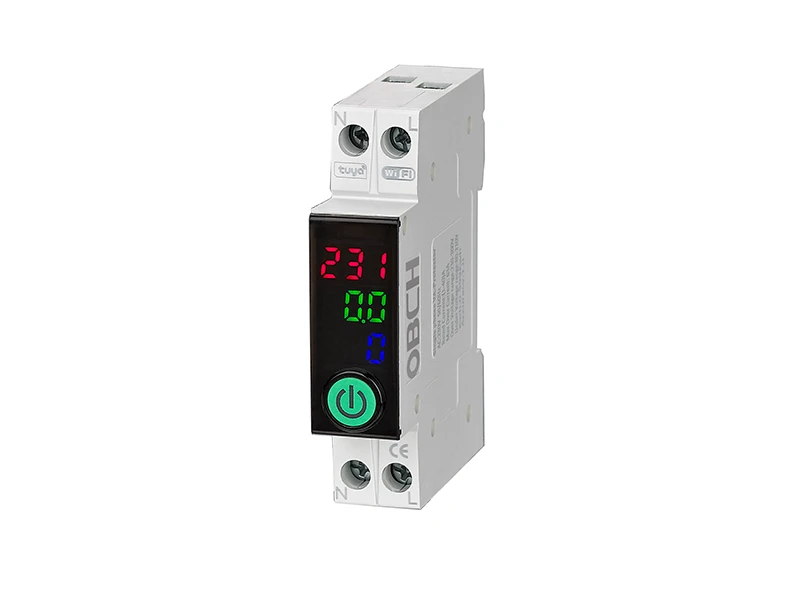
A: Yes, if you have a smart WiFi circuit breaker or remotely controllable protector, reset can be performed via mobile app. OBCH offers smart WiFi breakers with remote control and monitoring capabilities.
Q: Why does my voltage protector trip every time the power comes back after an outage?
A: This typically indicates that the voltage upon restoration is still outside the acceptable range—either too high (a surge) or too low (a sag). If this happens consistently, contact your utility provider to investigate grid-side issues, or consider adjusting the trip thresholds if your model allows it.
Q: Is it safe to reset a voltage protector multiple times if it keeps tripping?
A: No. Repeated reset attempts without identifying the underlying cause can damage the protector and connected equipment. If the protector trips more than two times in succession, stop and investigate the cause or call an electrician.
Q: What's the difference between a voltage protector and a circuit breaker in terms of reset?
A: A circuit breaker trips due to overcurrent (too much current) or short circuits and is reset by flipping the switch. A voltage protector trips due to abnormal voltage (too high or too low) and may have a separate reset button or auto-recovery feature. They serve different protection functions and are often used together in a distribution panel.
Resetting a tripped voltage protector after power recovery is usually straightforward—verify voltage stability, identify your reset type, and perform the appropriate action. However, repeated tripping should never be ignored; it is a signal that something in your electrical system requires attention. Always prioritize safety over convenience: if you are uncertain about any step, consult a qualified electrician.
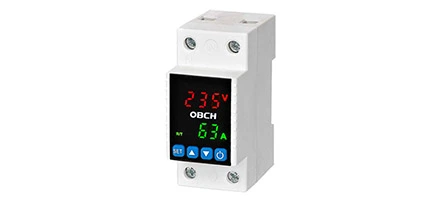
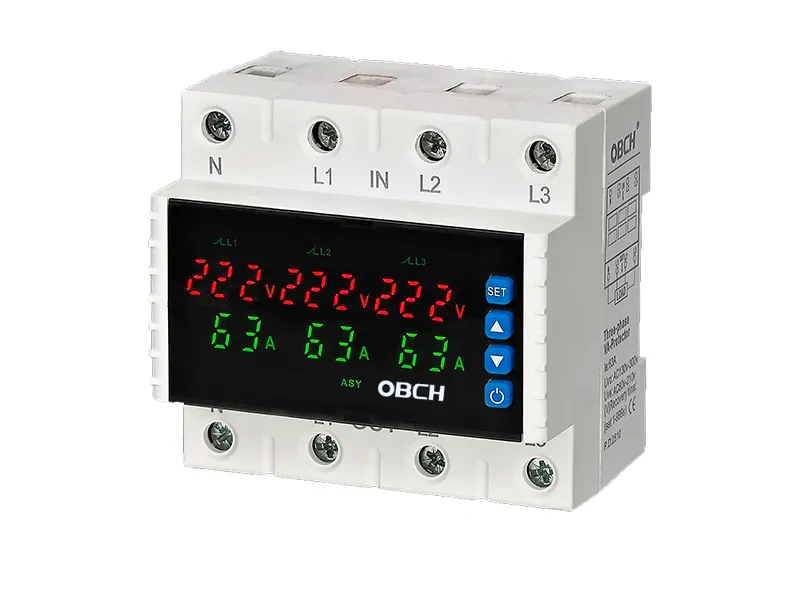
For applications requiring reliable voltage protection with adjustable thresholds and configurable reset modes, OBCH offers a range of single-phase and three-phase voltage protectors designed for residential, commercial, and industrial installations. Review the available configurations to find the right protection for your specific voltage and current requirements.