English
 Chinese
 Pусский
 Français
 Español
 Deutsch
 Português
 한국인
한국인 عربي
عربي Prev:
null

Sep 07,2026
Pageview: 11
If your voltage protector trips when the power supply appears normal, you are dealing with a false trip—also known as nuisance tripping. The most effective way to avoid false tripping is to correctly set the overvoltage and undervoltage thresholds and trip delay time according to your actual application conditions, and to ensure proper wiring and device compatibility. This article explains the common causes of false tripping, provides a step-by-step diagnostic approach, and offers practical solutions you can implement.
False tripping occurs when a voltage protector disconnects power even though the electrical system is operating within safe parameters. The device trips unnecessarily, interrupting operations and causing inconvenience or downtime.
Voltage protectors are designed to monitor incoming voltage and disconnect the load when voltage falls outside a preset range—either too high (overvoltage) or too low (undervoltage). However, when the device trips in response to conditions that would not actually damage equipment, the trip is considered false or nuisance.
False tripping typically stems from one of four categories of issues. Understanding which category applies to your situation is the first step toward a fix.
The most common cause of nuisance tripping is setting the overvoltage and undervoltage thresholds too tightly. When thresholds are set close to the normal operating voltage range, even minor and harmless fluctuations can trigger a trip.
For example, if your nominal voltage is 220V and you set the undervoltage threshold to 210V, a brief dip to 208V during normal grid operation will cause the protector to trip unnecessarily.
What to check:
Are your overvoltage and undervoltage set points appropriate for your local grid stability?
Have you accounted for normal voltage variation in your area?
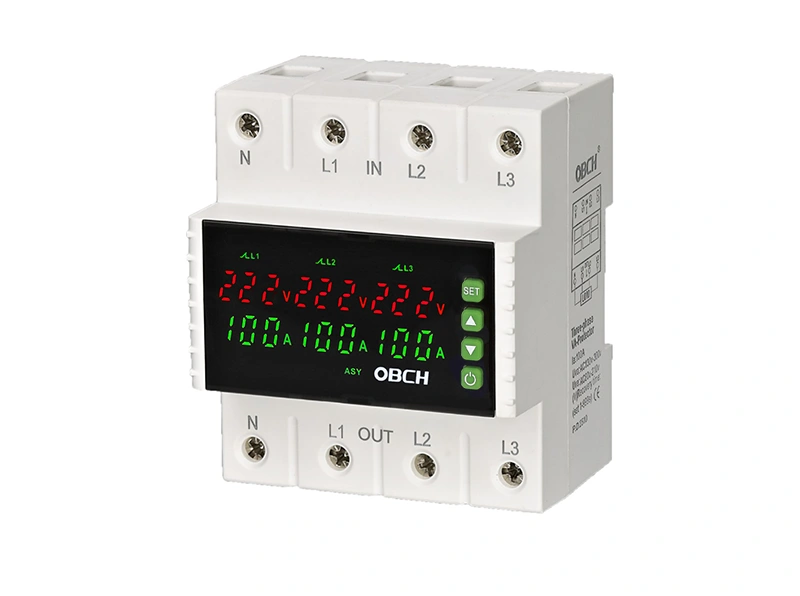
Trip delay is the time the protector waits before disconnecting power after detecting an out-of-range voltage. Many adjustable voltage protectors allow users to configure this delay.
If the delay is set too short (e.g., 0.1 seconds), the device may trip on brief voltage sags or spikes that last only a few cycles—transient events that would not harm most equipment. Increasing the trip delay can help the device ignore these short-duration anomalies.
What to check:
What is your current trip delay setting?
Does your equipment require immediate disconnection, or can it tolerate a short delay?
Loose or incorrect wiring is a frequent cause of false tripping. Common wiring problems include:
Loose terminal connections causing intermittent voltage readings
Incorrect phase-neutral wiring
Poor grounding
Loose neutral connections
These issues can cause the protector to sense voltage anomalies that do not actually exist in the supply, leading to false trips.
What to check:
Are all wiring terminals properly tightened?
Is the device wired according to the manufacturer's diagram?
Have you verified the neutral connection?
Certain types of equipment—particularly motors, compressors, and transformers—draw a high inrush current when starting up. This temporary surge can cause a voltage dip that may be detected as undervoltage by the protector.
If the protector trips every time a large motor starts, the issue is likely inrush current rather than a genuine grid problem.
What to check:
Does the tripping occur consistently when specific equipment starts?
Is the protector sized appropriately for the connected load?
Use this checklist to systematically identify the cause of false tripping in your voltage protector:
| Step | Action | What to Look For |
|---|---|---|
| 1 | Review current threshold settings | Are overvoltage/undervoltage values too close to normal operating voltage? |
| 2 | Check trip delay setting | Is delay too short for your application? |
| 3 | Inspect all wiring connections | Are terminals tight? Is wiring correct? |
| 4 | Log voltage over 24-48 hours | What is the actual voltage range? Are there brief sags or spikes? |
| 5 | Note when tripping occurs | Does it happen during equipment startup or during specific times of day? |
| 6 | Verify protector rating | Is the device rated for your system voltage and current? |
| 7 | Test with a known-good unit | Is the issue with the protector itself or the system? |
For adjustable voltage protectors, proper configuration is the most effective way to prevent nuisance tripping. Here are practical guidelines:
A practical approach is to set thresholds that protect equipment without tripping on normal voltage variation:
Undervoltage threshold: Set to a level that prevents motor stall and repeated starts. For a 220V system, a typical undervoltage setting might be 170–180V, depending on equipment sensitivity.
Overvoltage threshold: Set to a level that prevents sustained overstress. For a 220V system, a typical overvoltage setting might be 260–280V.
Avoid setting thresholds so tight that the protector trips every time utility voltage drifts slightly.
Trip delay allows the protector to ignore brief voltage anomalies that would not damage equipment.
For general circuits, a delay of 0.5 to 1.0 seconds may be appropriate.
If nuisance trips occur on very short dips, consider increasing the delay up to 1.0 second or more.
For sensitive electronics, a shorter delay may be necessary—but this must be balanced against the risk of false trips.
Some protectors also feature a reset or reconnection delay—the time the device waits before reconnecting power after a trip. This delay can help prevent rapid cycling, which can damage compressors and motors.
If you have adjusted thresholds and delays but false tripping persists, consider whether your protector is correctly specified for your application:
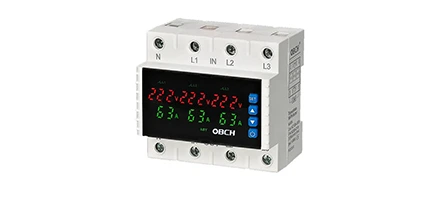
Single-phase vs. three-phase: Ensure you are using the correct type for your system.
Current rating: The protector must be rated for the load current.
Voltage range: Verify that the device's operating voltage range covers your system's actual conditions.
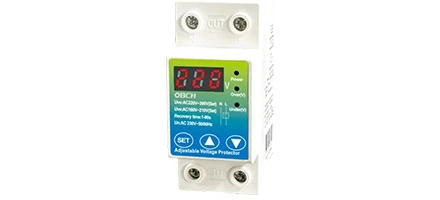
Adjustable vs. fixed: If your grid experiences significant variation, an adjustable protector gives you the flexibility to tune settings to your specific conditions.
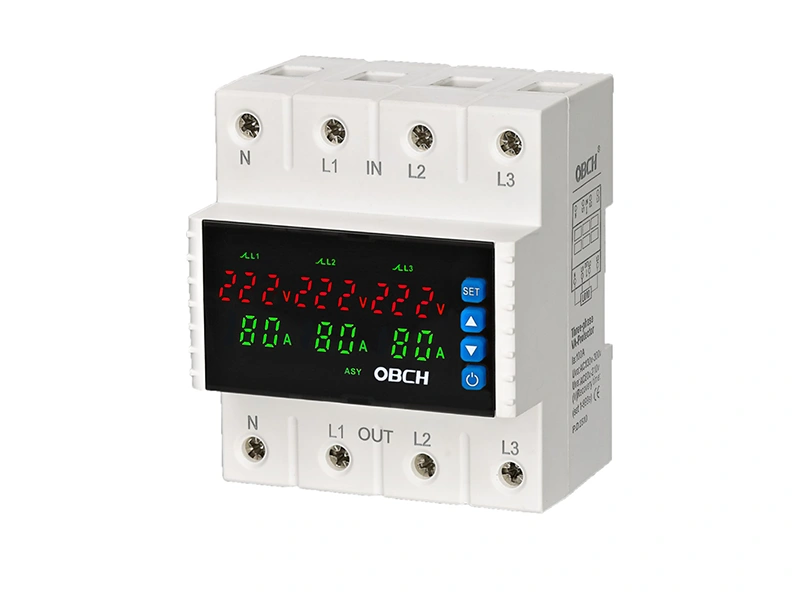
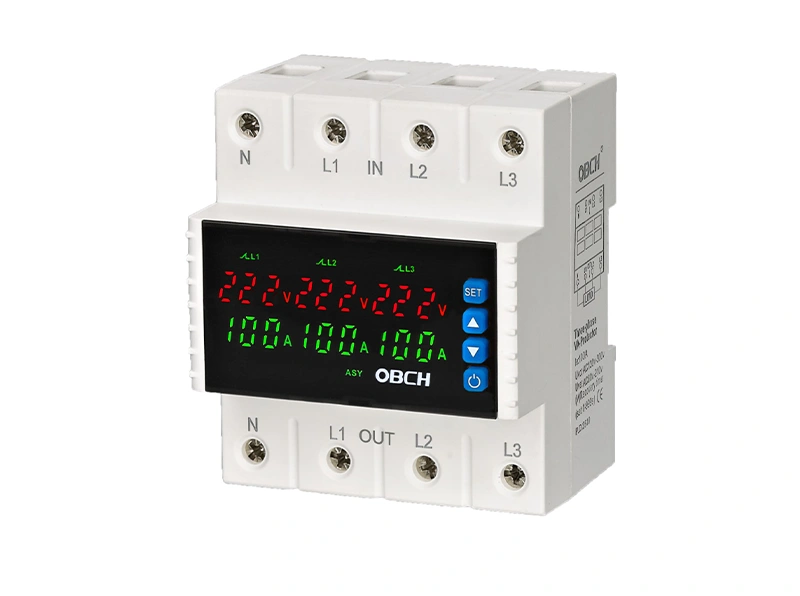
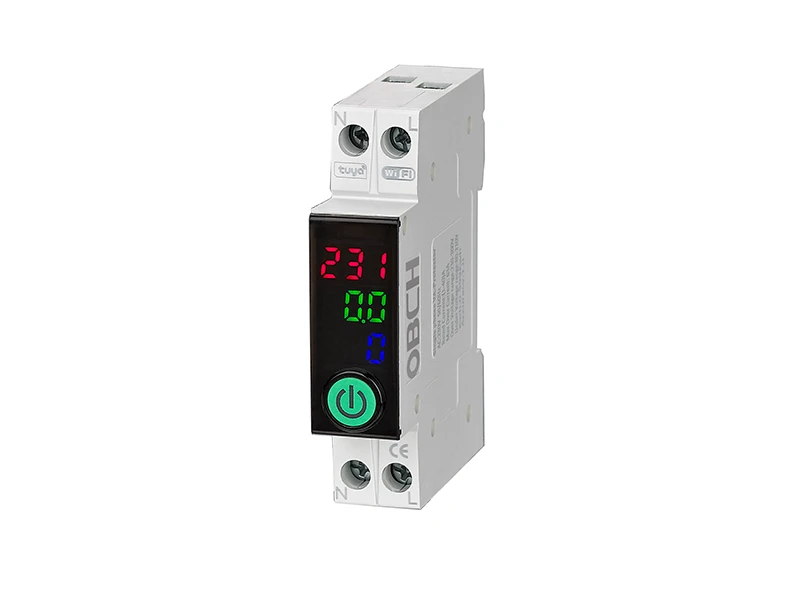
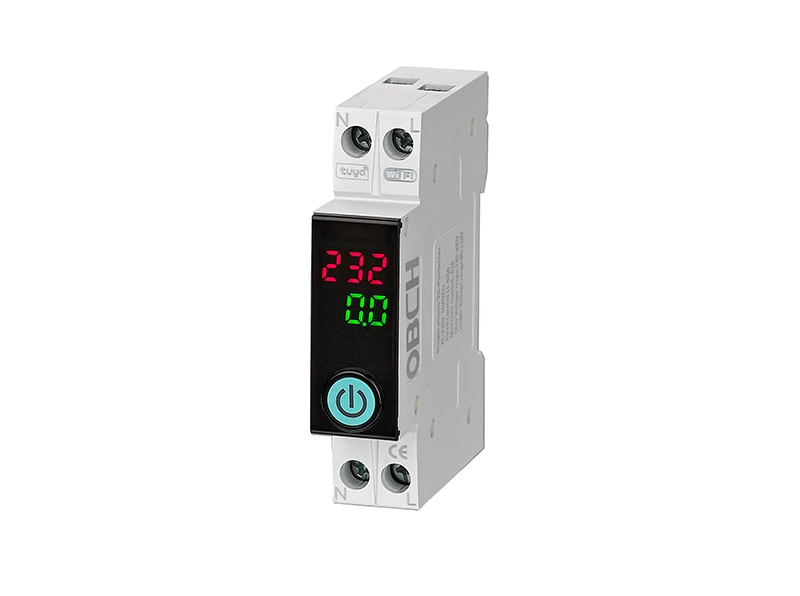
For applications with frequent grid fluctuations, models with wider adjustable ranges may be more suitable. Review the available configurations on the Voltage/Current Protector product page to compare options.
Avoid these common errors when installing and configuring voltage protectors:
| Mistake | Consequence | Prevention |
|---|---|---|
| Setting thresholds based on ideal voltage rather than actual conditions | Frequent nuisance trips | Log actual voltage over 24–48 hours before setting thresholds |
| Using default settings without adjustment | May not match your specific grid conditions | Always configure according to your application |
| Ignoring wiring quality | Intermittent false trips from loose connections | Torque all terminals to specification |
| Choosing a protector with insufficient adjustable range | Cannot fine-tune to avoid nuisance trips | Select a model with appropriate adjustment range for your voltage conditions |
| Installing without verifying system compatibility | Device may trip immediately or fail to protect | Confirm voltage and current ratings match your system |
Q: Why does my voltage protector trip randomly even when voltage seems normal?
A: Random tripping is often caused by loose wiring connections, brief voltage sags or spikes that are too short to see on a standard multimeter, or threshold settings that are too close to normal operating voltage. Start by checking all wiring terminals and reviewing your threshold and delay settings.
Q: How do I know if my voltage protector settings are too tight?
A: If your protector trips frequently but your equipment continues to operate normally when you bypass or reset the device, your settings are likely too tight. Log your actual supply voltage over 24–48 hours and compare it against your threshold settings.
Q: Can a voltage protector false trip due to problems with other equipment on the same circuit?
A: Yes. Large motor starts, compressor startups, and other high-inrush loads can cause temporary voltage dips that may trigger a protector. If tripping occurs consistently when specific equipment starts, inrush current is likely the cause.
Q: What is the difference between trip delay and reset delay?
A: Trip delay is the time the protector waits after detecting an out-of-range voltage before disconnecting power. Reset delay is the time the device waits before reconnecting power after a trip. Both settings can help prevent nuisance issues—trip delay avoids reacting to brief anomalies, while reset delay prevents rapid cycling.
Q: Should I always use the manufacturer's default settings?
A: Default settings are a starting point, not a final configuration. Your actual grid conditions, equipment sensitivity, and application requirements may differ significantly from the default assumptions. Always adjust settings based on your specific installation.
Q: How can I tell if the problem is the protector itself or the electrical system?
A: Test with a known-good protector unit on the same circuit. If the new unit trips under the same conditions, the issue is in your electrical system (wiring, grid, or connected equipment). If the new unit operates normally, the original protector may be faulty.
False tripping of a voltage protector is almost always traceable to one of four causes: incorrect threshold settings, inadequate trip delay, wiring issues, or inrush current from connected equipment. The most effective prevention strategy is to:
Log your actual voltage over a representative period before setting thresholds
Set thresholds with adequate margin above and below normal operating voltage
Configure trip delay to ignore brief, harmless anomalies
Verify all wiring is correct and terminals are properly tightened
Match the protector specification to your actual load and system conditions
If you are unsure about the correct settings for your application, consult the technical specifications of your protector model or discuss your requirements with a qualified electrical professional.
For more information on voltage protector configurations and available models, explore the Voltage/Current Protector product category or review the Adjustable Voltage Protector for models with customizable trip settings. You may also find relevant application guidance in the Solutions section.