English
 Chinese
 Pусский
 Français
 Español
 Deutsch
 Português
 한국인
한국인 عربي
عربي Prev:
null

Sep 01,2026
Pageview: 2
A digital display voltage relay requires regular maintenance to remain accurate and reliable. The most important maintenance tasks are quarterly visual inspections, semi-annual terminal torque checks, and annual parameter verification against a known reference source. This guide covers a complete maintenance routine for digital display voltage relays, common fault indicators, and when to consider replacement.
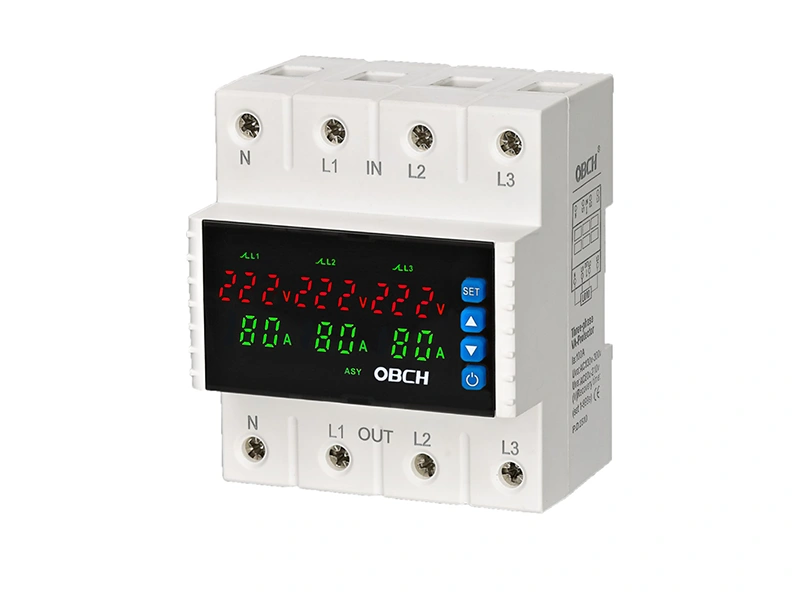
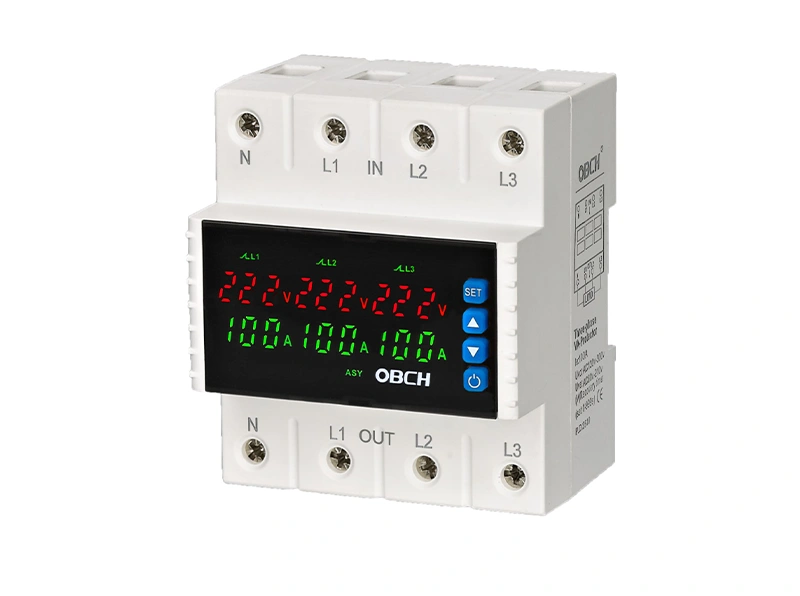
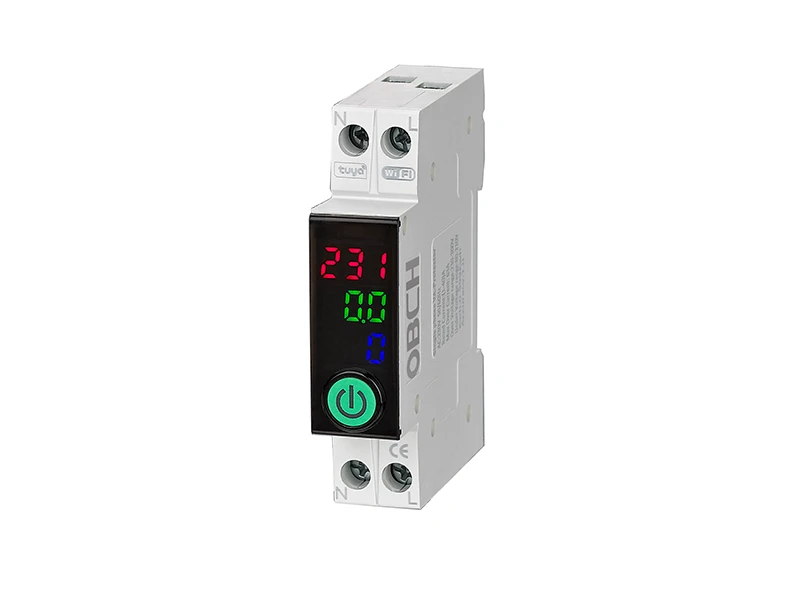
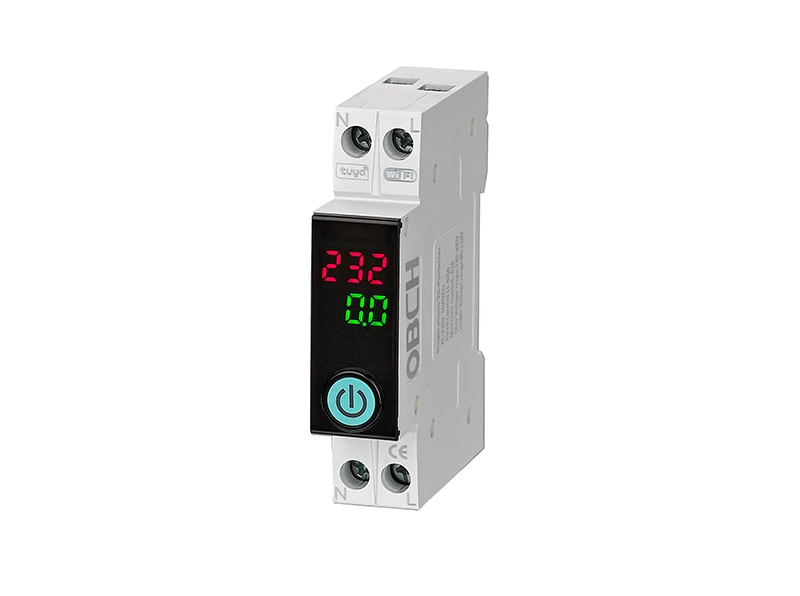
Digital display voltage relays are critical components in distribution panels, motor control centers, and industrial equipment protection systems. These devices continuously monitor voltage levels and trip circuits when values fall outside preset ranges. Unlike traditional analog relays, digital units contain microprocessors, display screens, and solid-state sensing circuits that require specific maintenance considerations.
Without regular maintenance, a voltage relay may drift out of calibration, develop poor connections at terminals, or accumulate dust that affects heat dissipation. Any of these issues can result in nuisance tripping, failure to trip when needed, or complete device failure.
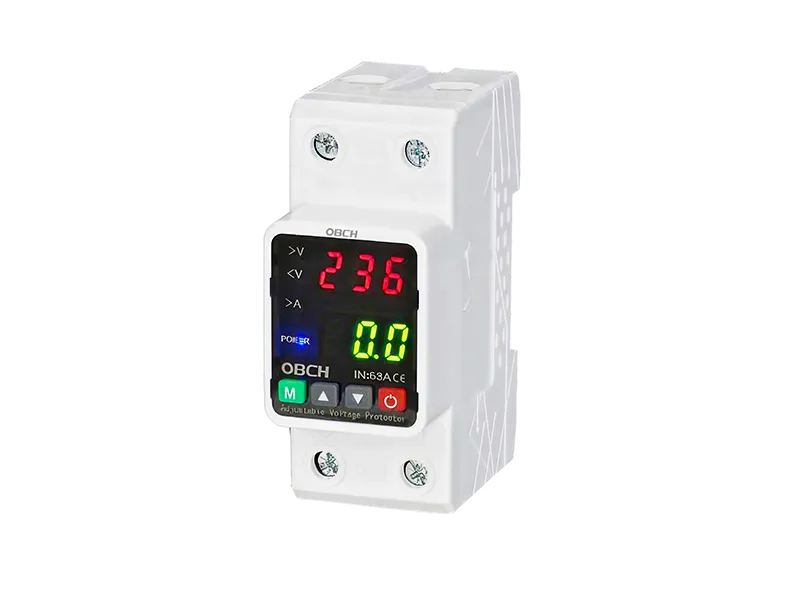
| Frequency | Task | Priority |
|---|---|---|
| Monthly | Visual inspection of display and indicator LEDs | Routine |
| Quarterly | Clean exterior and ventilation openings | Routine |
| Quarterly | Record displayed voltage values for trend tracking | Recommended |
| Semi-annually | Check and retorque all terminal connections | Critical |
| Annually | Verify calibration against a reference meter | Critical |
| Annually | Inspect for signs of overheating or discoloration | Critical |
| Every 2-3 years | Functional trip test under simulated fault conditions | Recommended |
Start each maintenance session with a simple visual check:
Is the digital display active and readable? A dim or flickering display may indicate a failing power supply or display module.
Are there any error codes or warning indicators showing? Refer to the device manual for code definitions.
Is the measured voltage reading within expected range for the current system condition?
Check for any visible damage to the housing, display screen, or DIN-rail mounting clips.
Dust and debris are common enemies of electronic protection devices. Accumulated dust can insulate heat-dissipating surfaces and cause components to operate at elevated temperatures, shortening service life.
Use compressed air to blow dust from ventilation slots and around the display bezel.
Wipe the display screen with a soft, dry microfiber cloth. Avoid liquid cleaners that may seep into the device.
Clean surrounding panel area to prevent dust from re-entering the device during operation.
Do not use solvents or abrasive materials that could damage the display or labels.
Loose terminal connections are one of the most common causes of voltage relay misoperation. Heat from normal current flow causes thermal expansion and contraction cycles that can gradually loosen terminal screws.
For each terminal:
De-energize the circuit following proper lockout/tagout procedures.
Verify that all terminal screws are tightened to the torque specification printed on the device or in the installation manual.
Inspect wire insulation for signs of heat damage—discoloration, brittleness, or melting.
Check for signs of corrosion on terminal surfaces.
Re-torque any loose connections using a calibrated torque screwdriver.
Important: Over-tightening can damage terminals just as easily as under-tightening. Always use the specified torque value.
The digital display on a voltage relay is only as accurate as its internal reference. Over time, component aging can cause measurement drift.
To verify calibration:
Connect a known-accurate reference voltmeter to the same measurement points as the voltage relay.
Compare the reading on the digital display with the reference meter reading.
If the difference exceeds the device's specified accuracy tolerance (typically ±1% to ±2% of range), recalibration may be needed.
Check that the overvoltage and undervoltage trip thresholds are still set to the correct values for your application.
Note: Some digital voltage relays allow user adjustment of trip thresholds. If thresholds have been changed, verify they still match the original protection requirements.
A functional test confirms that the relay will actually trip when it should. This test should be performed under controlled conditions:
Use a variable AC source to gradually increase or decrease voltage while monitoring the relay's response.
Verify that the relay trips at the set overvoltage and undervoltage thresholds.
Confirm that the trip time falls within the device's specified response time.
Reset the device and verify normal operation resumes.
Safety warning: This test involves live electrical circuits. Only qualified personnel with appropriate training and PPE should perform this test.
| Symptom | Likely Cause | Recommended Action |
|---|---|---|
| Display is blank or dim | Power supply issue, internal fuse blown, or display failure | Check input power; if problem persists, consider replacement |
| Relay trips frequently without apparent cause | Trip thresholds set too narrow; grid voltage instability; loose neutral connection | Verify thresholds against actual operating conditions; check neutral connections |
| Relay does not trip when voltage exceeds threshold | Internal relay contact welded; calibration drift; component failure | Perform functional test; replace if faulty |
| Display shows incorrect voltage | Calibration drift; faulty sensing circuit | Verify with reference meter; recalibrate or replace |
| Device runs hot | Dust accumulation; overcurrent; ambient temperature too high | Clean device; verify load current; check panel ventilation |
| Error code on display | Internal fault detected | Consult manual; contact technical support if code persists |
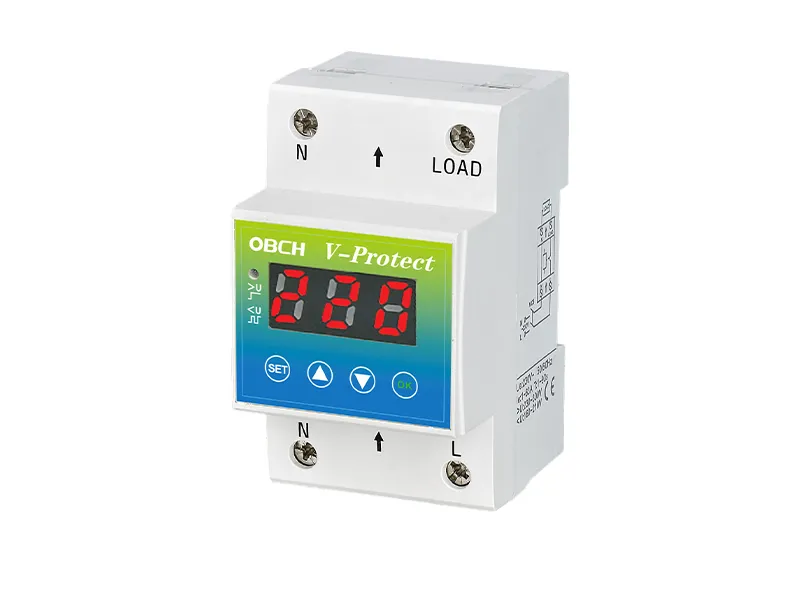
Several factors influence the operational lifespan of a digital voltage relay. Based on manufacturer specifications, these devices are typically rated for 1 million mechanical operations and 100,000 electrical operations. To maximize service life:
Maintain proper panel ventilation. Excessive heat is the primary enemy of electronic components. Ensure the enclosure has adequate airflow and that the relay is not mounted directly above heat-generating devices.
Keep terminals clean and tight. Loose connections generate heat, which accelerates terminal oxidation and can damage the relay's internal bus bars.
Protect against moisture and corrosive environments. Install the relay in a dry, clean location within the specified environmental ratings.
Document all maintenance activities. Keep a log of calibration checks, trip tests, and any parameter adjustments. Trend data can help predict when a device may need replacement.
Use surge protection upstream. Transient voltage spikes can damage the relay's sensitive electronic components, even if the relay itself is designed to protect downstream equipment.
Digital display voltage relays are generally not field-repairable at the component level. If you encounter any of the following, replacement is typically the most cost-effective and reliable option:
The display is permanently damaged or unreadable
Internal relay contacts have failed (welded or open)
Calibration drift exceeds the adjustment range
Physical damage to the housing or terminals
The device has exceeded its rated operational life
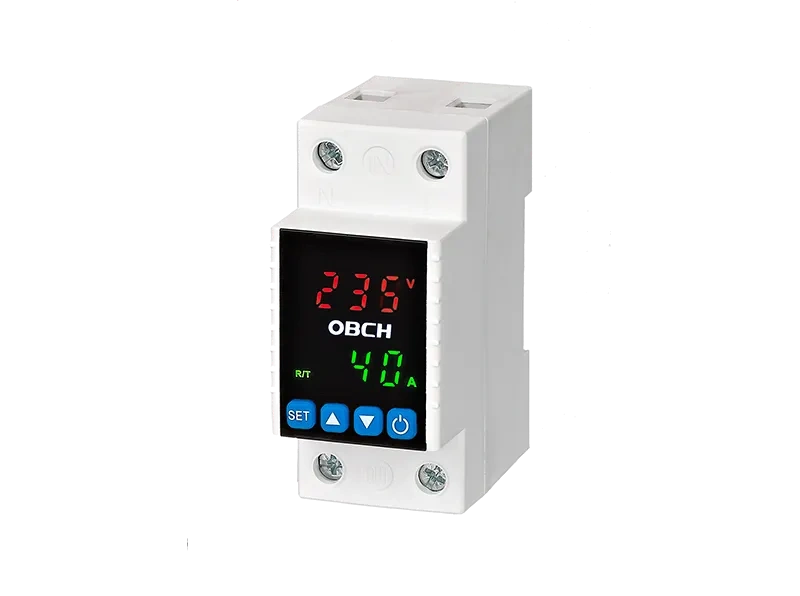
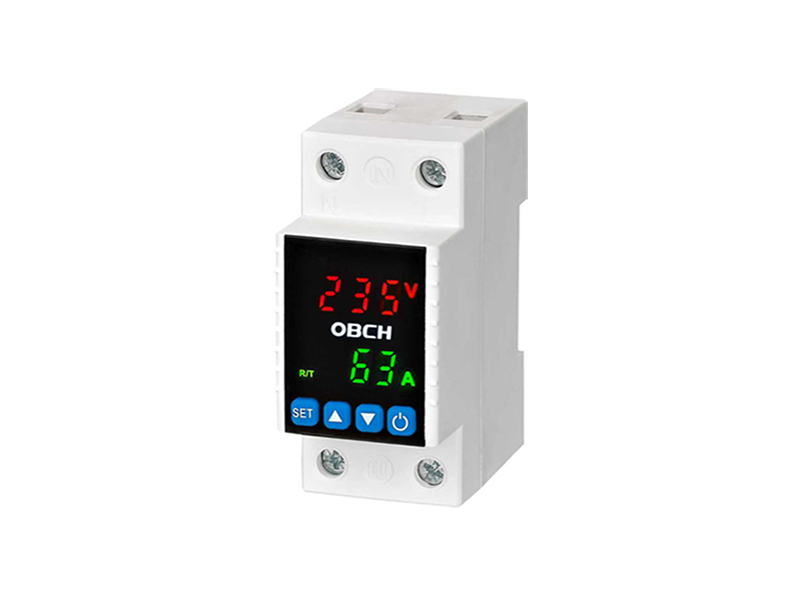
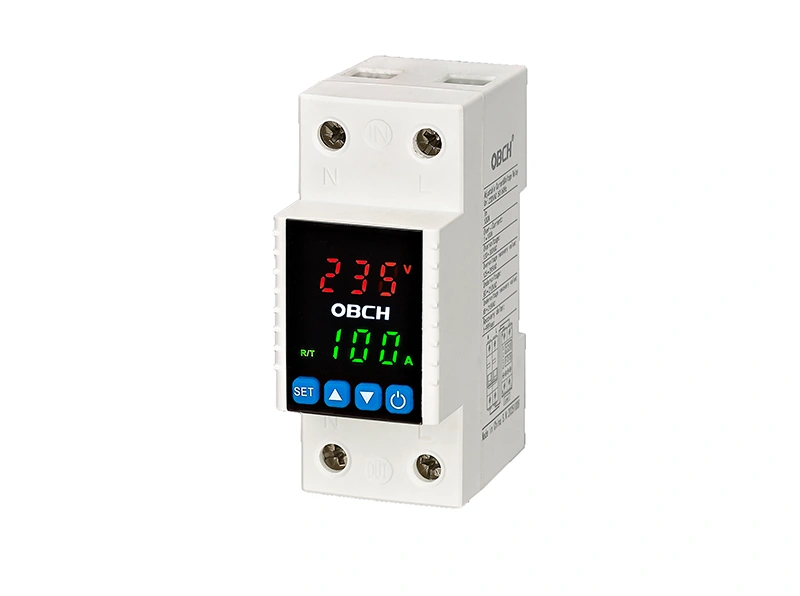
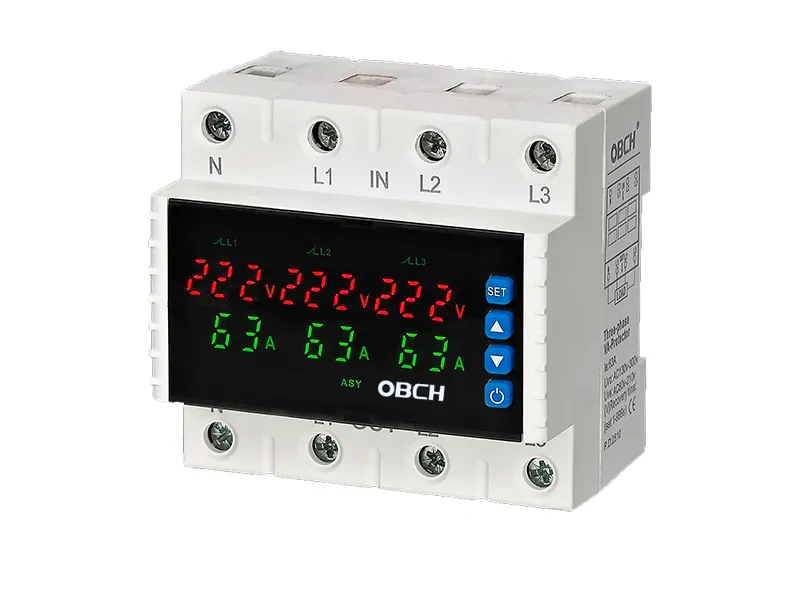
Before replacing, review the available configurations and technical specifications for replacement models. Verify that the new unit matches the voltage range, current rating, and mounting requirements of your application.
Q: How often should I check the calibration of my digital display voltage relay?
A: Annual calibration verification is recommended for most applications. In critical applications or environments with wide temperature swings, semi-annual checks may be appropriate.
Q: Can I clean the inside of the voltage relay?
A: No. Digital voltage relays are sealed units and should never be opened for internal cleaning. Opening the device voids the warranty and may introduce contamination or damage sensitive components. Only clean the exterior and ventilation openings.
Q: Why does my voltage relay show a different reading than my panel meter?
A: Small differences (within ±1-2%) are normal due to manufacturing tolerances and different measurement points in the circuit. If the difference is larger, verify both instruments with a common reference source. If the relay is consistently off, calibration adjustment or replacement may be needed.
Q: What should I do if the relay trips repeatedly after a power outage?
A: This may indicate that the auto-recovery feature is not enabled or that the grid voltage is still unstable after restoration. Check the relay settings and verify that the power quality has fully stabilized before resetting.
Q: Can extreme temperatures affect relay performance?
A: Yes. Most digital voltage relays are rated for operation within a specific temperature range (typically -5°C to +40°C or similar). Operation outside this range can affect measurement accuracy and reduce component lifespan. Check the device specifications for the rated temperature range.
Q: Do I need special training to maintain these devices?
A: Basic maintenance tasks like visual inspection and cleaning can be performed by trained electrical personnel. Calibration verification, functional testing, and any work on live circuits must be performed by qualified electricians following all relevant safety procedures.
Effective maintenance of digital display voltage relays centers on three key practices: regular visual inspections, semi-annual terminal torque checks, and annual calibration verification. Avoid the most common mistake—neglecting terminal connections until a problem occurs. Loose terminals are responsible for a significant portion of voltage relay misoperations and can be prevented with simple, scheduled torque checks.
If your relay shows signs of persistent error, physical damage, or calibration drift beyond adjustment limits, replacement is the recommended course of action rather than attempting internal repair. Review the available adjustable voltage protector configurations to find a suitable replacement for your specific application requirements. For applications requiring advanced features such as remote monitoring, consider the smart WiFi circuit breaker options that offer real-time status tracking and mobile control.
When in doubt about any maintenance procedure or if you encounter fault codes not covered in this guide, contact technical support for assistance rather than attempting unsupervised troubleshooting.